

Lead statuses
Use the status chips at the top of the Leads tab: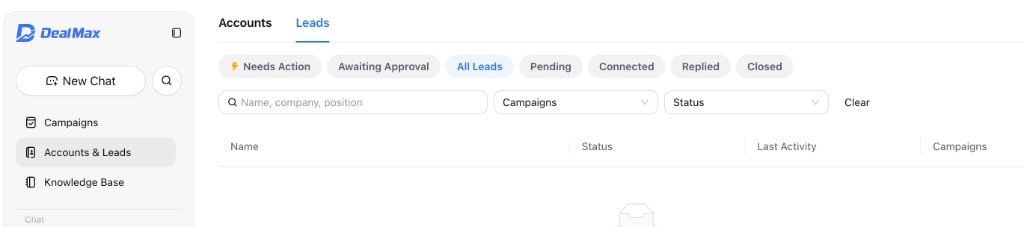
Follow up on Needs Action leads
When a lead lands in Needs Action, they have replied and are waiting on you. Use Max and your own judgment to move the conversation toward a real opportunity.1
Open the conversation
In Needs Action, click the lead to read the full thread and Max’s latest draft.
2
Refine your reply with Max
Use Refine with Max or chat with Max to adjust tone, emphasize a value point, or try a different angle until the reply feels right—then send on LinkedIn.
3
Advance the opportunity
When interest is clear, propose next steps: book a meeting, suggest a call, or arrange an in-person conversation. Max can help you draft invites and follow-ups that turn the thread into a qualified opportunity.
4
Keep momentum
Respond promptly so warm leads do not go cold. If the conversation is no longer a fit, close the lead so it moves to Closed and leaves automated follow-up.
Close a lead
From lead details, close the lead and choose a reason (not interested, not a fit, do not contact). The lead moves to Closed, leaves automated sequences, and history is kept.Contact us
Have questions or need help with DealMax? Get in touch with our team.