

Create an account
Open dealmax.ai in your browser and click Sign Up in the top right. You can register in two ways:- Email — enter your email and password
- Google sign-in (recommended) — one click, no extra password to remember
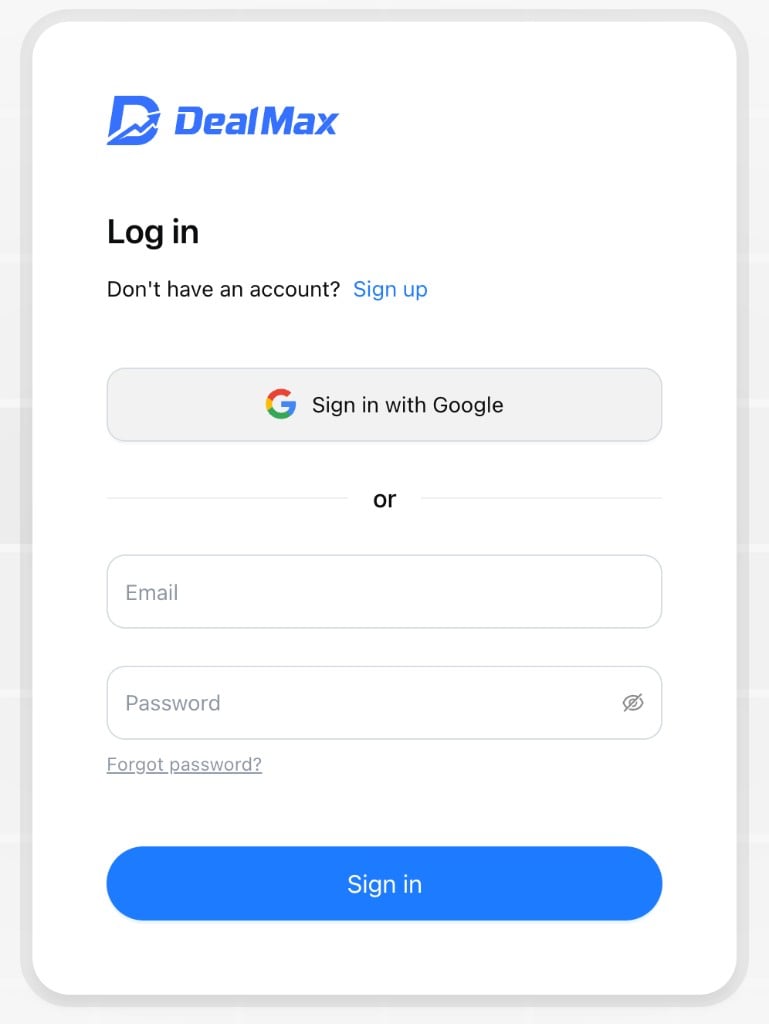
Sign in with Google
- Click Continue with Google
- On the Google account picker, choose the account you want to link
- After you authorize, you are redirected to the DealMax app
Log in to an existing account
Go to dealmax.ai, click Sign In, and use your email and password or your Google account. Forgot password: On the login page, click Forgot Password. Enter the verification code sent to your registered email to reset your password.Contact us
Have questions or need help with DealMax? Get in touch with our team.